<transcy>Nieload™ YnX crosshair centering</transcy>
008/P/L
375 DKK
Sale price
375 DKK
Regular price
Skip to product information

In stock



375 DKK
Sale price
375 DKK
Regular price
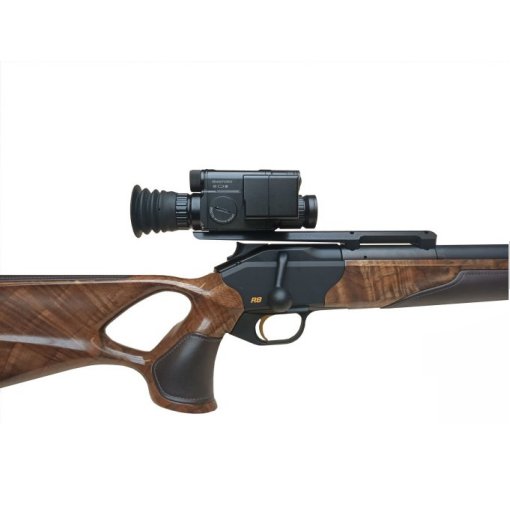
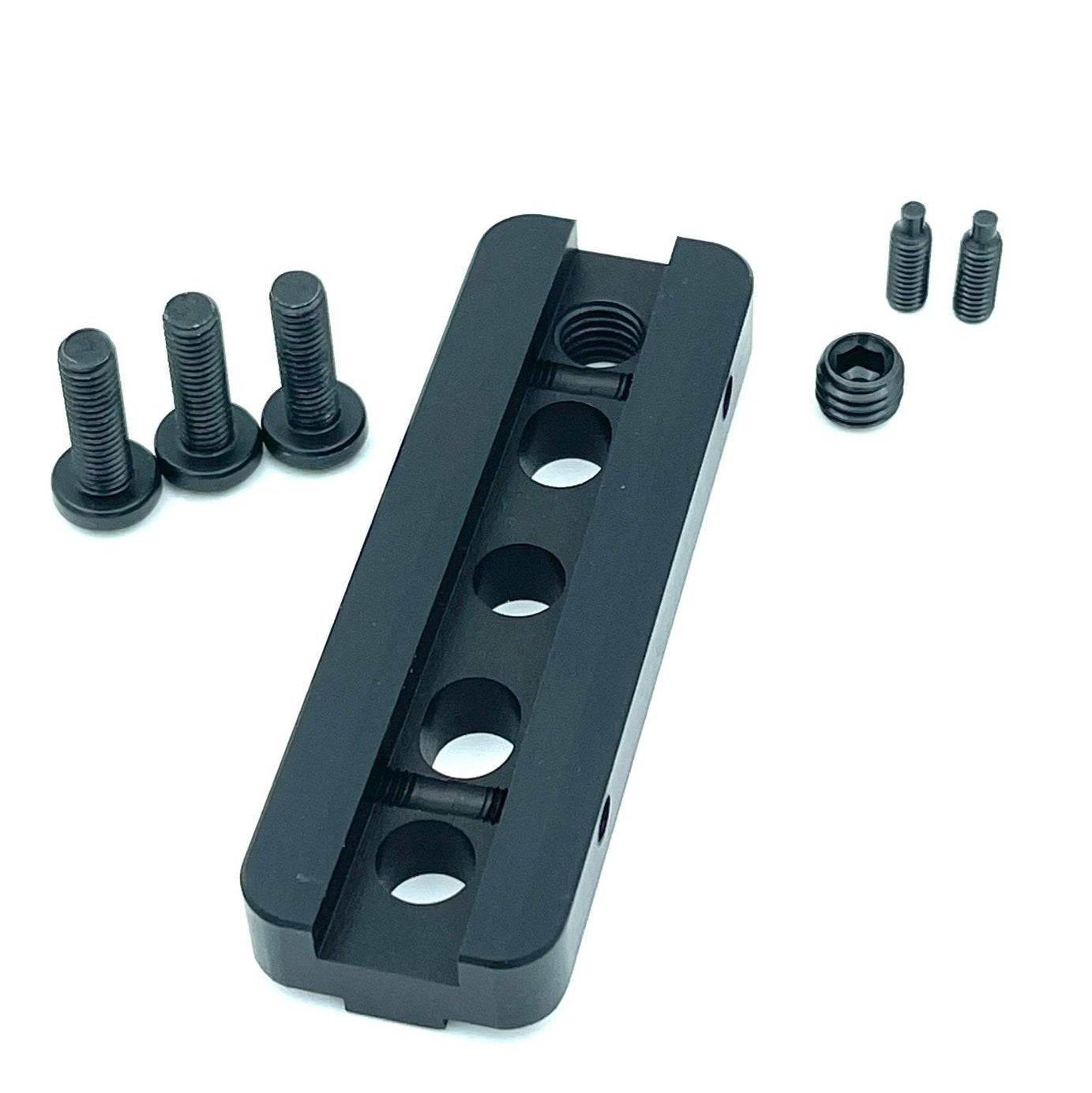
PARD NV008 crosshair centering kit.
Get the most out of your PARD 008P / L / LRF
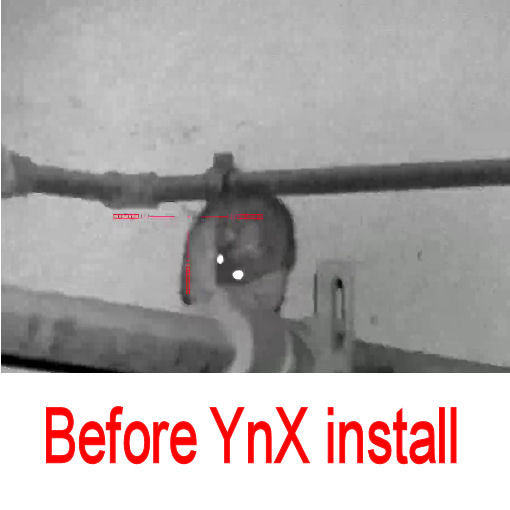
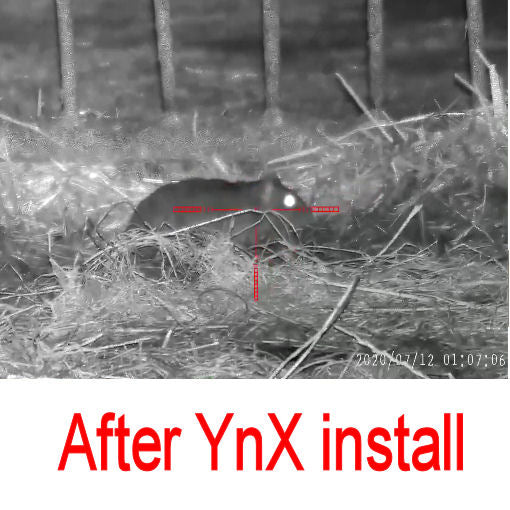
With YnX you can have your crosshair 100% in the center of the screen.
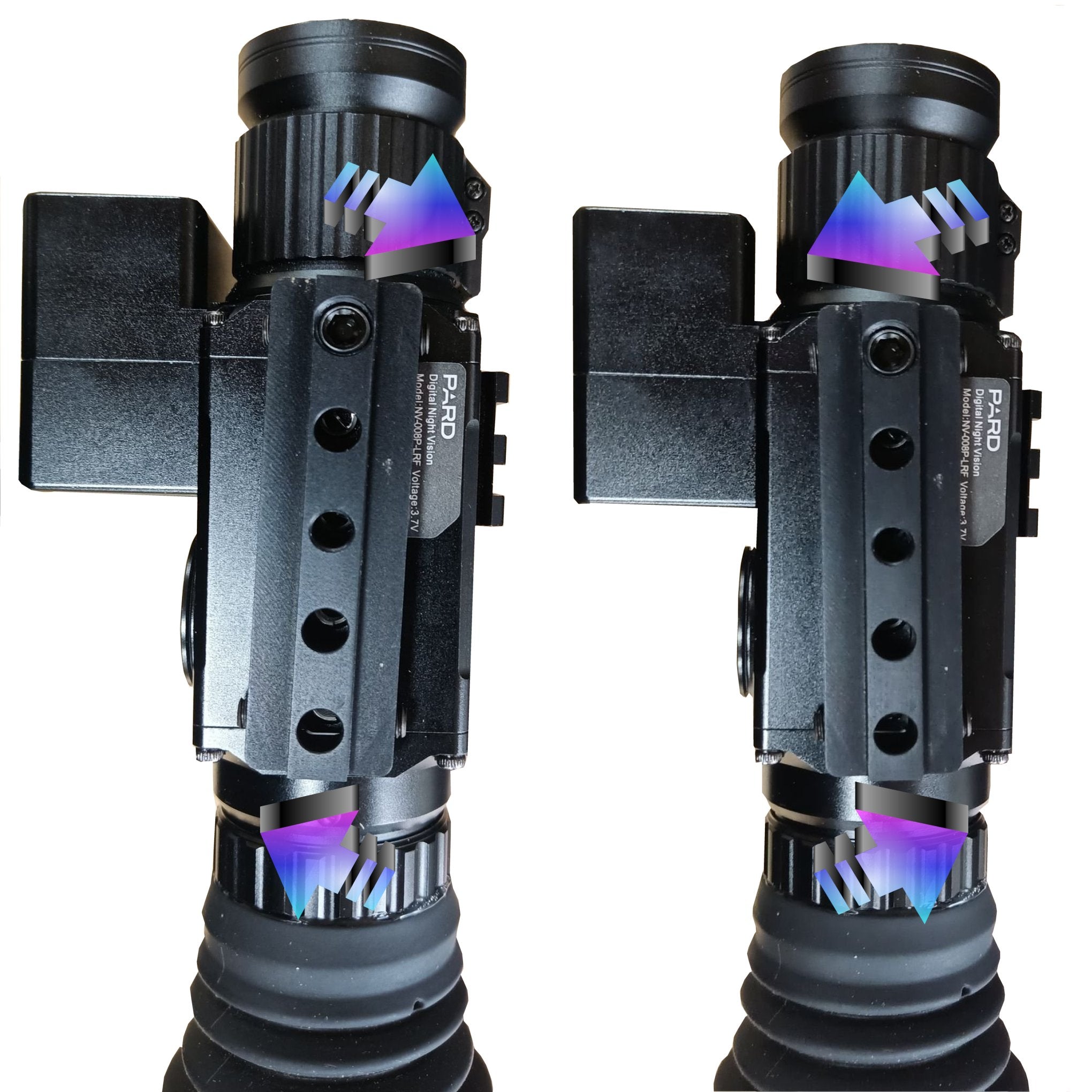
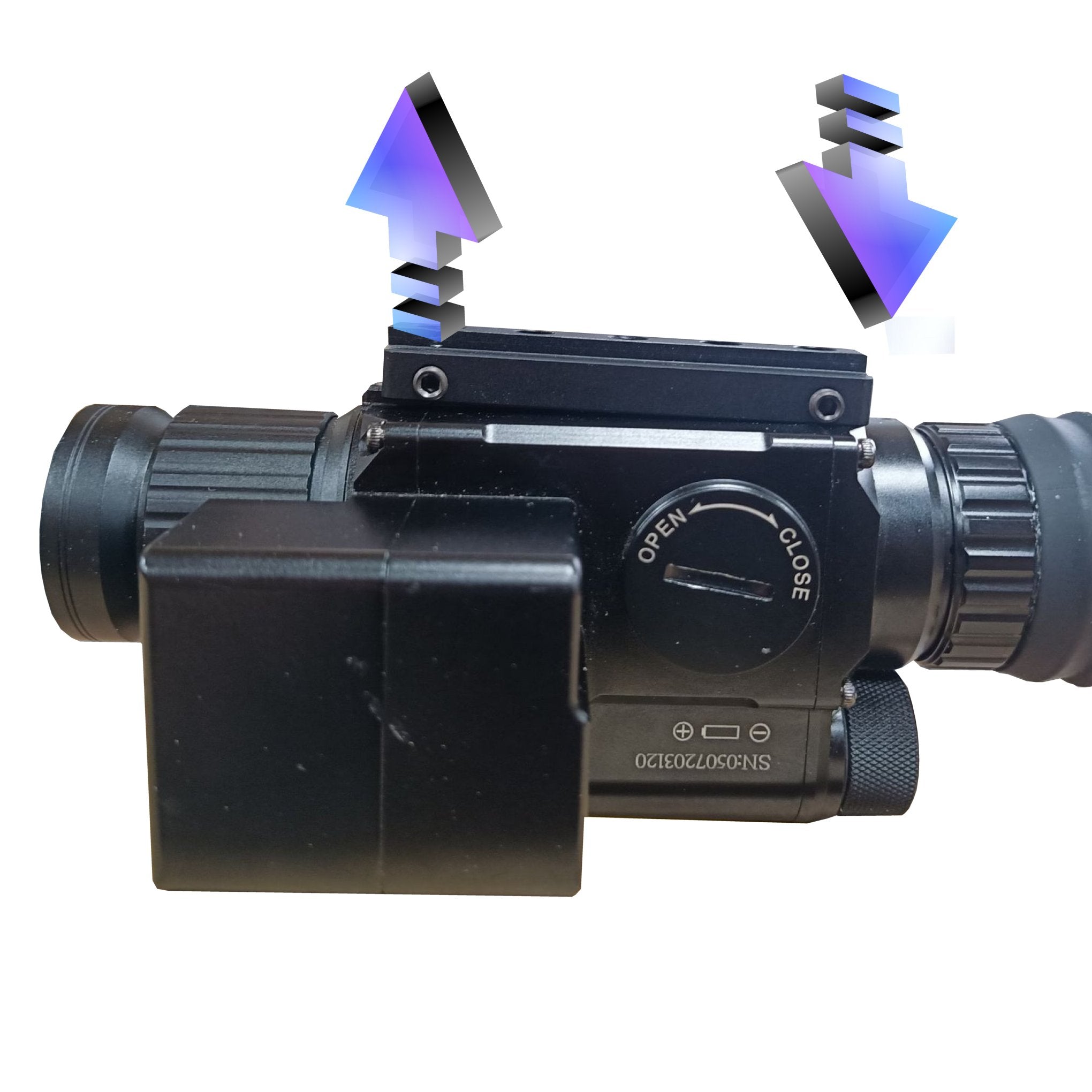
PARD NV008 0-40MOA lateral adjustment on the X axis and 0-30MOA on the Y axis.
All screws included.
Here Kjeld shows how he mounted his YnX
NOTE! If your PARD is so early a model that it only has 2 holes in the bottom, you can not use YnX
Installation instructions:
1: Insert YnX on your PARD by passing one of the supplied screws through the assembly in the middle hole of the 5 holes in the PARD
2: Insert your X and Y axis on 0
3: Let the 4 quill screws touch the "stub" on the PARD
4: Insert the supplied 2 screws in hole 1 and hole 4
5: Shoot a shot
6: Correct on the 4 horizontal quill screws
7: If there is a need to correct on the Y axis, this is done by the umbraco screw in either the front or rear end, depending on the desired direction.
8: When the insert is satisfactorily centered, then give all 4 (5) quill screws a drop of locktite
NOTE In some cases it may be necessary to adjust the length of the supplied screws.
 fast delivery
 fast delivery
We always ship the item the same day before 2:00 PM, and then the next business day.
Easy returns
You can always cancel your purchase within 14 days of receiving the item. It is important that the item is returned in its original packaging.
Vare nr: 20200080
popular categories
PARD Nightvision
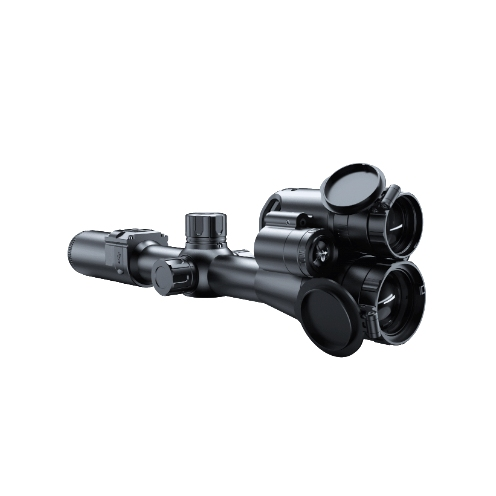
PARD Nightvision
PARD™ Thermal
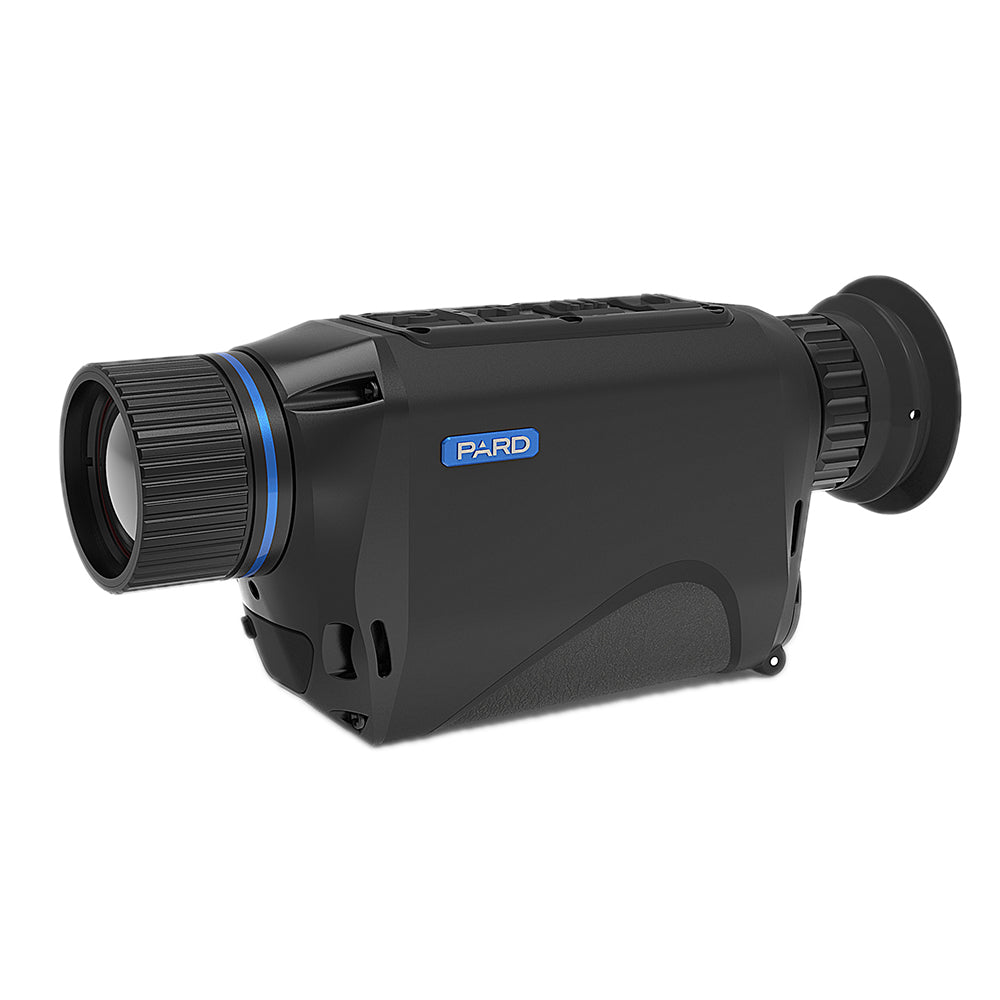
PARD™ Thermal
Muffler
Muffler